

Recurring Crypto Payments: How Subscription Businesses Can Accept Crypto
Share
⏱️ TLDR: Subscription businesses can accept crypto for monthly plans, annual memberships, and usage-based services. Customers usually approve each payment, while the business manages renewal reminders and account access. CCPayment provides payment requests, recurring Invoices, and payment notifications that businesses can connect to their subscription systems.
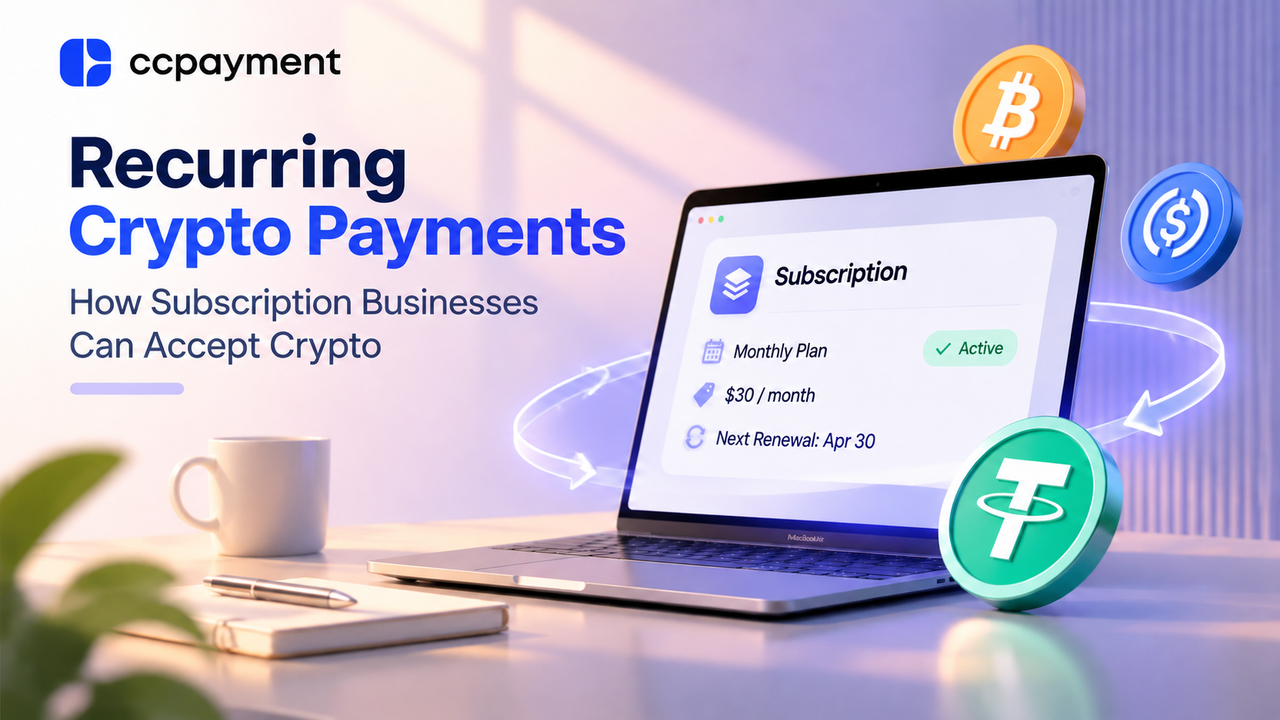
A customer pays $30 in USDT for a monthly SaaS plan. The business verifies the payment and activates the account. Next month, it needs to collect another payment and renew access.
To manage the subscription reliably, the business must connect payment collection with renewal dates and account access. It needs to know who paid, which subscription period the payment covers, and when access should begin or expire.
Can Businesses Accept Recurring Payments in Crypto?
Yes. Businesses can accept crypto for subscriptions, including software plans, paid communities, and premium content. The main difference from card subscriptions is how the next payment is collected.
A saved card can usually be charged again with the customer's authorization. An ordinary crypto payment does not give the merchant permission to withdraw more funds later.
Some services support separate authorization for future wallet payments, as described in Stripe's stablecoin subscription guide. Without that arrangement, the business sends a renewal request and the customer makes another payment.
How Crypto Subscription Payments Work
Consider the $30 monthly plan. The business can connect signup, payment, and renewal in five steps:
- Create the subscription. Record the customer, chosen plan, price, and subscription dates.
- Request payment. Create
ana unique order for the current subscription period through CCPayment's Payment API and show the customer the payment instructions or checkout page. - Verify the payment. Confirm the corresponding order, amount, payment status, and risk result before granting access.
- Activate the plan. Give the customer access for the purchased month.
- Request the next payment. Send a reminder before the plan expires, then extend access after the renewal payment is verified.
Keep a separate payment reference for each renewal. This lets support answer “Which month did I pay for?” without searching through unrelated wallet transfers.
Subscription Models That Work With Crypto Payments
Businesses can keep familiar pricing models when adding crypto. Stripe's recurring pricing documentation describes options such as flat-rate, per-seat, and usage-based pricing. The business calculates the bill before requesting payment.
Monthly and Annual Subscriptions
A monthly plan collects one month's fee at a time. An annual plan collects payment for the year. Show the service period clearly in each request.
If a customer renews early, add the new period after the current one ends so they keep the time already purchased.
Per-Seat Pricing
For per-seat plans, calculate the bill from the approved seat count before creating the payment request. Define whether seats added during a billing period are charged immediately, prorated, or included in the next renewal.
Usage-Based Billing
AI and API services may charge for requests, computing time, or storage. Track each customer's usage, calculate the total, and request payment.
Alternatively, let customers buy credits in advance and spend them as they use the service. Explain when credits run out and send low-balance reminders.
Managing Renewals Without Traditional Card Auto-Charging
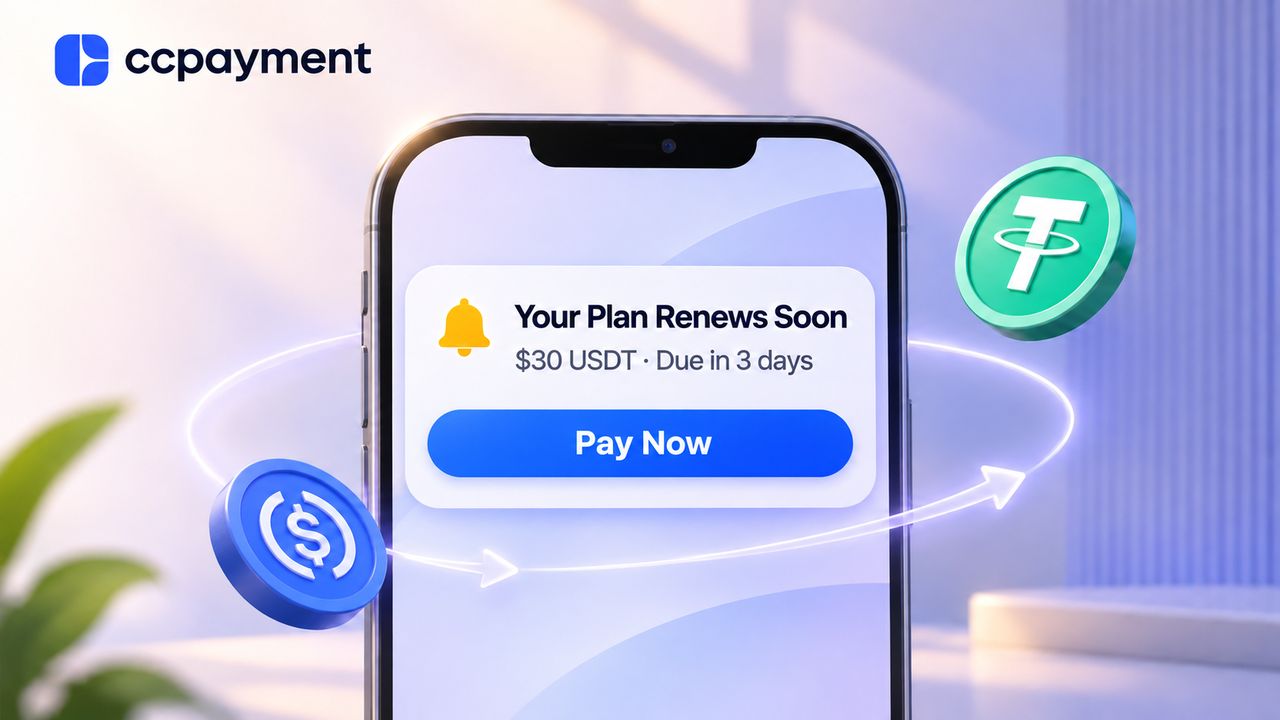
Make renewal messages easy to act on. Include the plan, amount due, payment link, and date access will end. For example, a business might send an initial reminder before expiry and a final reminder closer to the due date, based on its renewal cycle.
A grace period gives customers extra time to pay after the due date. Explain how long it lasts and which features remain available.
Stop payment reminders once renewal is confirmed or the customer cancels. Decide whether late payment continues the original subscription dates or starts a new period, and make that policy clear before purchase.
Using Webhooks to Keep Subscription Status Updated
A webhook is a notification sent from the payment provider to your system when a payment changes status. It helps your application respond without staff checking every transaction manually.
With CCPayment, verify the notification's signature, then retrieve the matching payment record. For deposits, confirm the status is Success. For order or Checkout payments, also check that the order is fully paid. Extend access only after verification, excluding payments flagged as risky.
Use each payment's unique recordId to prevent repeated processing. Receiving the same notification twice must not turn one month's payment into two months of access. Also, ensure the same subscription period is not renewed twice if multiple payments arrive. Developers can follow the CCPayment API Documentation.
What's more, check payment records regularly to catch missed notifications. Your subscription system should manage expiry dates and access even when no payment notification arrives.
Which Cryptocurrencies Should Subscription Businesses Accept?
Start with currencies your customers already hold. USDT subscription payments and USDC payments can suit dollar-priced plans because these stablecoins aim to track the US dollar.
BTC or ETH may also be useful when customers request them. For fixed-price plans, show the crypto amount and how long the payment quote remains valid.
The token and network must match the payment instructions. Customers should also understand any network or exchange withdrawal fees, especially when paying for a low-cost monthly subscription.
What Happens After Subscription Revenue Is Received?
Once a payment is successfully credited to the CCPayment merchant balance, the business can hold the funds, exchange supported assets, or withdraw crypto.
Optional Auto-Swap can convert supported incoming assets into a supported token you choose, such as USDT or USDC. If the business needs USD in a bank account, it can make a separate USDT-to-USD settlement request through the Dashboard, subject to review and recipient eligibility.
Keep payment amounts, fees, and any conversions connected to the customer's subscription records.
Crypto Subscription Payments by Business Model
Business | Typical Billing Model | Crypto Payment Workflow |
|---|---|---|
SaaS platform | Monthly or annual plan | Request payment for each term and renew access after verification |
Team software | Per-seat pricing | Calculate the seat count and collect the agreed fee |
AI or API service | Usage charges or prepaid credits | Bill for measured usage or let customers add credits |
Creator or premium content platform | Paid membership | Collect the membership fee and update access to paid content |
What Subscription Businesses Should Consider Before Adding Crypto
Check whether customers want cryptocurrency subscription payments and whether their preferred assets and networks are supported.
Define how the business handles partial payments, late renewals, cancellations, and refunds, then communicate those rules before purchase. If a customer sends less than required, for example, your team needs a clear way to explain the shortfall and resolve it.
Test the full journey before launch, including delayed payments and repeated notifications. Support should be able to find the customer's payment and explain their access status.
Accepting Subscription Payments With CCPayment
Businesses can use CCPayment's E-commerce & SaaS solutions to add crypto payments for SaaS subscriptions, memberships, and prepaid services:
- For website or app subscriptions: Use the Payment API to create payment requests and connect verified results to account activation and renewal.
- For billing known clients: Use recurring Invoices to schedule payment requests and track their status in the Merchant Dashboard. Clients complete each request separately.
- For prepaid services: Use Permanent Deposit Addresses for repeat top-ups. Your system adds credits after verifying each deposit and decides when those credits pay a subscription bill.
Your business sets prices, renewal dates, reminders, and access rules. CCPayment handles crypto payment collection and provides the records needed to check each payment.
Create a CCPayment merchant account to set up your first subscription payment flow.
Crypto Adoption for Business 2026
Deep dives into Web3 payments, industry trends, and how to scale your global commerce with zero-code integrations.
FAQ
Q1: Can I add crypto recurring payments without replacing my billing system?
A: Yes. Keep plans, pricing, renewal schedules, and access rules in your existing subscription system. Use CCPayment's Payment API and Webhooks to create crypto payment orders and connect verified payments with activation or renewal.
Q2: Can I price my subscriptions in fiat or crypto?
A: Yes. CCPayment supports orders priced in fiat or cryptocurrency. Set a fixed crypto amount, such as 30 USDT, or use a supported fiat currency and let CCPayment calculate
Q3: Are annual plans better for crypto subscription payments?
A: Annual plans require fewer payment actions, while monthly plans ask for a smaller commitment. Choose based on customer preferences and your cancellation and refund policies.
Q4: Can I accept subscription payments without an API integration?
A: Yes. CCPayment recurring Invoices can schedule, send, and track payment requests from the Merchant Dashboard. Customers still complete each payment separately. Automatically activating or renewing access in your application requires your own integration or operational process.