

Crypto Swap for Businesses: How to Manage Multi-Asset Payment Revenue with CCPayment Swap 2.0
Share
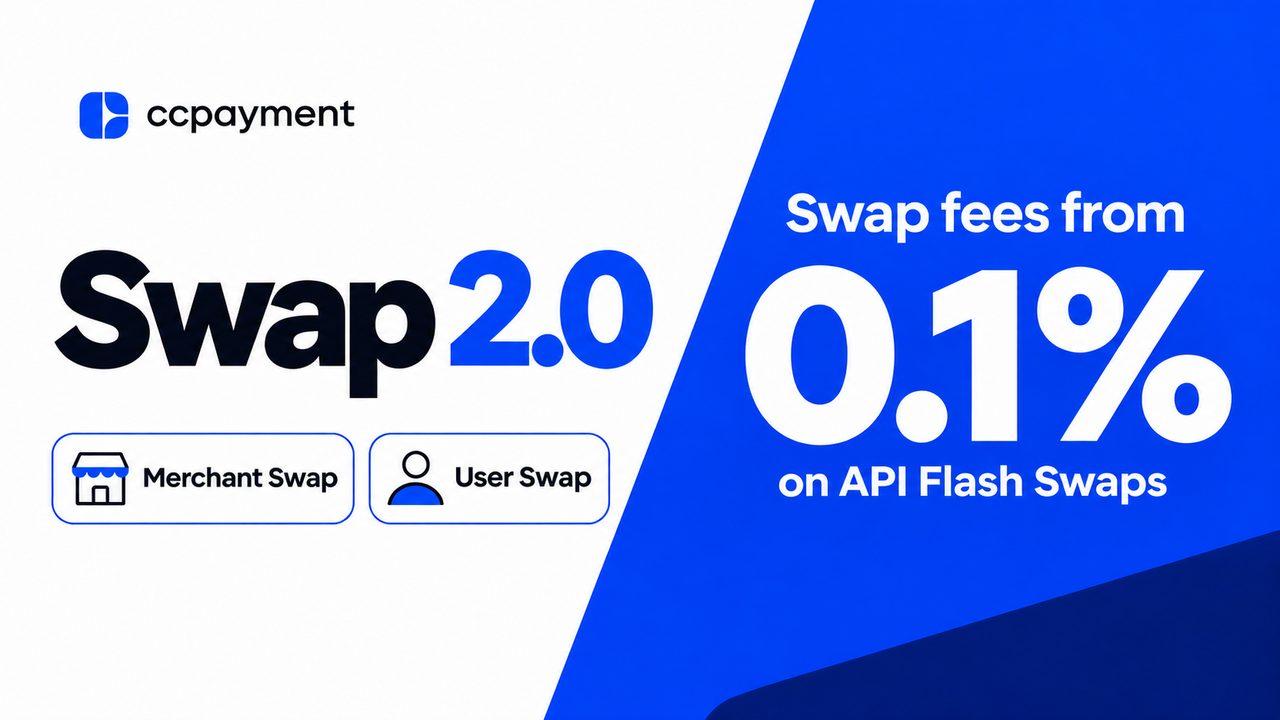
⏱️ TL;DR: CCPayment Swap 2.0 lets you convert crypto from your Merchant Balance or offer in-app User Swap. Swap fees start at 0.1% on API Flash Swaps.
Accept More Assets Without Holding Them All
A customer pays in ETH. Your next supplier invoice is due in USDT. CCPayment Swap 2.0 lets you convert supported assets directly from your Merchant Balance, so you can accept a wider range of payments and decide what to hold after the funds arrive.
Why Multi-Asset Crypto Revenue Creates a Treasury Problem
Customers pay with the assets they already have. Finance teams decide what to hold by looking at what the business owes and when it comes due. A business may have enough value across its balances and still be short of the one asset it needs for its next payment.
Business crypto conversion can add several steps when the trade takes place on an external exchange. Your team may need to send funds to the exchange, place the trade, and transfer the proceeds to the account used for payouts. Each step creates another record to reconcile. A merchant crypto swap directly from your Merchant Balance lets you skip the transfers you would make just to reach an exchange.
What Is CCPayment Swap 2.0?
Swap 2.0 introduces API Flash Swap for small-value conversions and Dashboard Large-Value Swap for larger treasury orders.
Merchant Swap converts supported funds from the Merchant Balance. User Swap allows eligible platforms using user-level balances to offer conversion from each user's own balance.
Swap fees start at 0.1% on API Flash Swaps. Flash Swap can apply to both merchant and user swap flows.
Flexible Swap Options for Different Business Needs
Start with whether you need to convert an existing balance or apply a rule to future deposits. Swap orders handle existing balances, while Auto-Swap is a separate automated setting for eligible incoming deposits.
API Flash Swap for Small-Value Conversions
API Flash Swap applies a 0.1% CCPayment service fee to eligible orders worth the equivalent of $1 to $1,000 per transaction. CCPayment automatically checks the amount, trading pair, and available Flash Swap quota to determine whether the order qualifies.
For example, a payments team can request a quote and swap $250 worth of a supported asset through the API as part of its daily balance review. This lets the team handle smaller conversions from the system it already uses to manage its payments.
Dashboard Large-Value Swap for Treasury Conversions
Dashboard Large-Value Swap supports eligible orders worth the equivalent of $50,000 to $500,000 per conversion. A business that receives smaller payments throughout the week can use those balances to fund a larger supplier payment run. Its treasury manager can choose what to convert from the Merchant Balance and review the order in the Dashboard before confirming.
Standard and Automated Conversion for Day-to-Day Balance Management
Dashboard Standard Swap suits one-off adjustments. During a weekly balance review, a finance team might find that too much of its balance sits in an asset it rarely uses. It can convert a portion into its main operating asset and keep the rest. Teams that manage swaps from their own systems can also use standard API Swap where available.
With Auto-Swap, you set a conversion rule once and apply it to eligible deposits. If your business wants to convert crypto payments to stablecoins, you can select which incoming assets to convert and choose a supported target such as USDT. Your team can build up its operating balance as payments come in.
From Crypto Payment to Treasury Asset
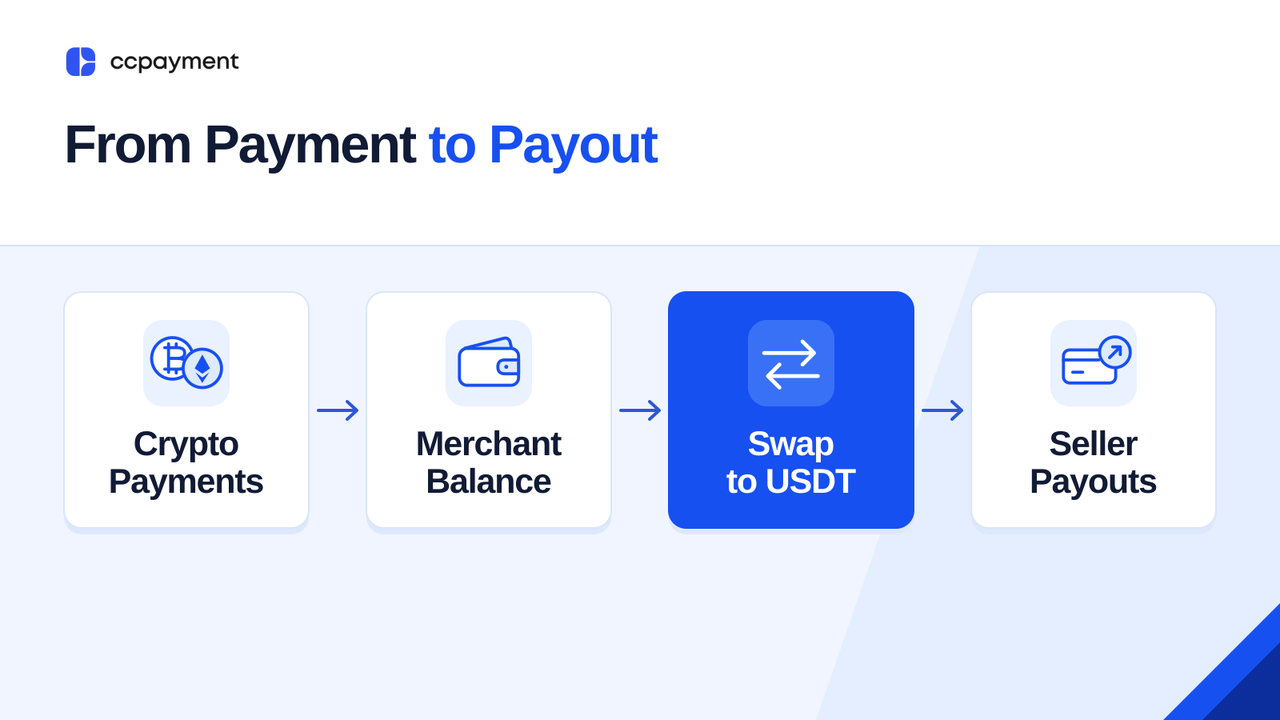
Take a marketplace planning its Friday seller payouts. It owes 75,000 USDT, has 15,000 USDT on hand, and has collected other payments in BTC and ETH. After accounting for swap fees, it needs the conversions to produce at least 60,000 USDT net. With a target and a deadline in place, the treasury team can choose when to convert its receipts and how much of its balance to use. That decision can follow the payout schedule, even if the original customer payments arrived at different times throughout the week.
- Receive payments. Confirmed BTC and ETH payments that pass the applicable risk checks are credited to the Merchant Balance.
- Convert from the Merchant Balance. The team chooses a supported asset to sell, selects USDT as the target asset, and uses the swap option that fits the order. If it draws from both BTC and ETH, the team can preview each conversion separately and compare the combined estimated USDT proceeds with its payout target.
- Use the converted asset. The marketplace can use the USDT for seller payouts. A business can also hold the converted balance for a future expense or request fiat settlement separately where available.
At a different scale, the Ethereum Foundation illustrates the same treasury principle: its operating-expense needs and reserve target help determine the size and timing of ETH sales. The example shows why conversion decisions should follow liabilities and liquidity needs rather than payment inflows alone.
More Control and Visibility Over Every Swap
Real-Time Quote
For API swaps, use Get Swap Quote in Swap API 2.0 to request an estimate for a supported trading pair. For a Dashboard Swap, you can review the fee, how it will be deducted, and the estimated net amount before confirming. The marketplace can use that estimate to check whether the conversion will cover its 60,000 USDT payout gap.
Slippage Protection
With Swap API 2.0, you can set your slippage tolerance when placing an order. CCPayment uses it to calculate a minimum net receive amount and executes the swap only if the actual net amount meets that threshold. For background, Uniswap Labs explains how slippage differs from price impact.
Transparent Fees — Starting from 0.1%
Open Fee Inquiry in the Merchant Dashboard to check your account's swap rates. For a specific order, check the fee shown before you confirm. The Swap API returns the applicable fee and estimated net output, allowing the business to record each conversion in its own treasury or accounting system.
Clear Results for Partial Swaps
If an API swap is only partially completed, the unconverted input amount is returned to the originating balance. The swap record shows the converted amount, the returned input amount, and the net output received after fees, helping the team reconcile the order and update its payout plan.
Why Swap Directly from the Merchant Balance?
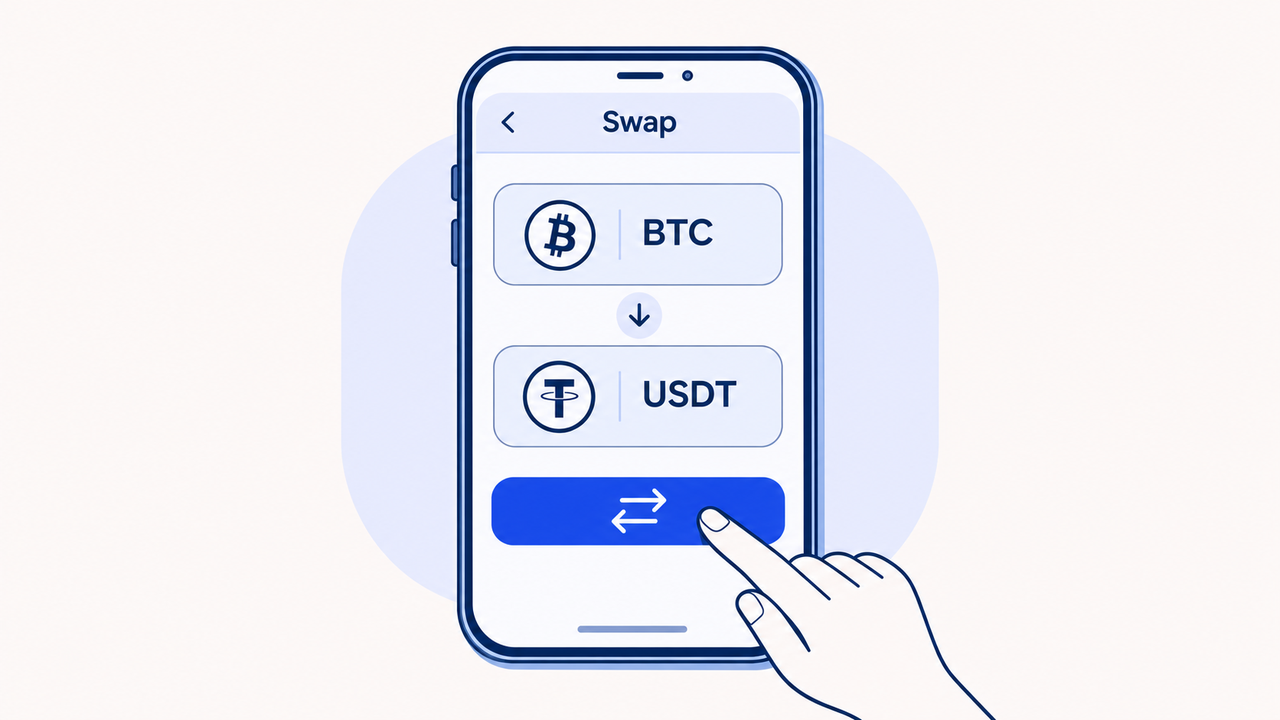
The marketplace can also offer conversion to the sellers it pays. With the User Swap API, platforms using Wallet Mode can let sellers convert supported assets inside the marketplace before withdrawing in a different asset. A wallet app can offer the same option next to a user's balance.
Your platform can request a quote, show the fee and estimated amount, and submit the swap after the user confirms. If a user asks about a completed conversion, your team can retrieve the swap record. You can also set an optional merchant markup. Showing it alongside the estimated net amount helps users see the cost before they confirm.
Accept Broadly. Manage Selectively.
Give customers more ways to pay. When it’s time to pay sellers or cover operating expenses, CCPayment Swap 2.0 lets you convert funds directly from your Merchant Balance into the asset you need.
Start a swap in the Merchant Dashboard or build conversions into your treasury workflow with Swap API 2.0.Want to offer that flexibility to your customers, too? Talk to the CCPayment team about adding User Swap so customers can convert crypto directly from their in-app balances.
Crypto Adoption for Business 2026
Deep dives into Web3 payments, industry trends, and how to scale your global commerce with zero-code integrations.
FAQ
Q1: Can I accept crypto in one asset and pay suppliers in another?
A: Yes. If you receive BTC or ETH, you can convert supported funds from your Merchant Balance into USDT and use the converted balance to pay suppliers through CCPayment.
Q2: Can I convert a large amount directly from my Merchant Balance?
A: Yes. Use Dashboard Large-Value Swap for eligible orders worth the equivalent of $50,000 to $500,000 per conversion. You can review the quote and estimated net amount in the Merchant Dashboard before confirming.
Q3: Where can I check the fee and estimated net amount?
A: Check your account's swap rates under Fee Inquiry in the Merchant Dashboard. For a specific Dashboard Swap, review the fee and estimated net amount in the quote before confirm
Q4: Can I let users swap crypto directly in my app?
A: Yes. Eligible platforms using CCPayment's user-level balance infrastructure can integrate User Swap so users can convert supported assets from their in-app balances without leaving the platform.
Q5: Can I settle the converted funds in fiat
A: CCPayment Swap converts between supported crypto assets. Eligible businesses that need bank-held fiat can use CCPayment's separate fiat settlement service, subject to its supported asset, recipient, review, and settlement requirements.