Crypto Invoicing: How to Accept Crypto with Zero Integration
⏱️ TL;DR: CCPayment Invoice lets businesses create, send, and track crypto payment requests from the Merchant Dashboard—without a checkout or API integration. AI SaaS providers, agencies, and B2B companies can bill clients in USDT or other supported cryptocurrencies.

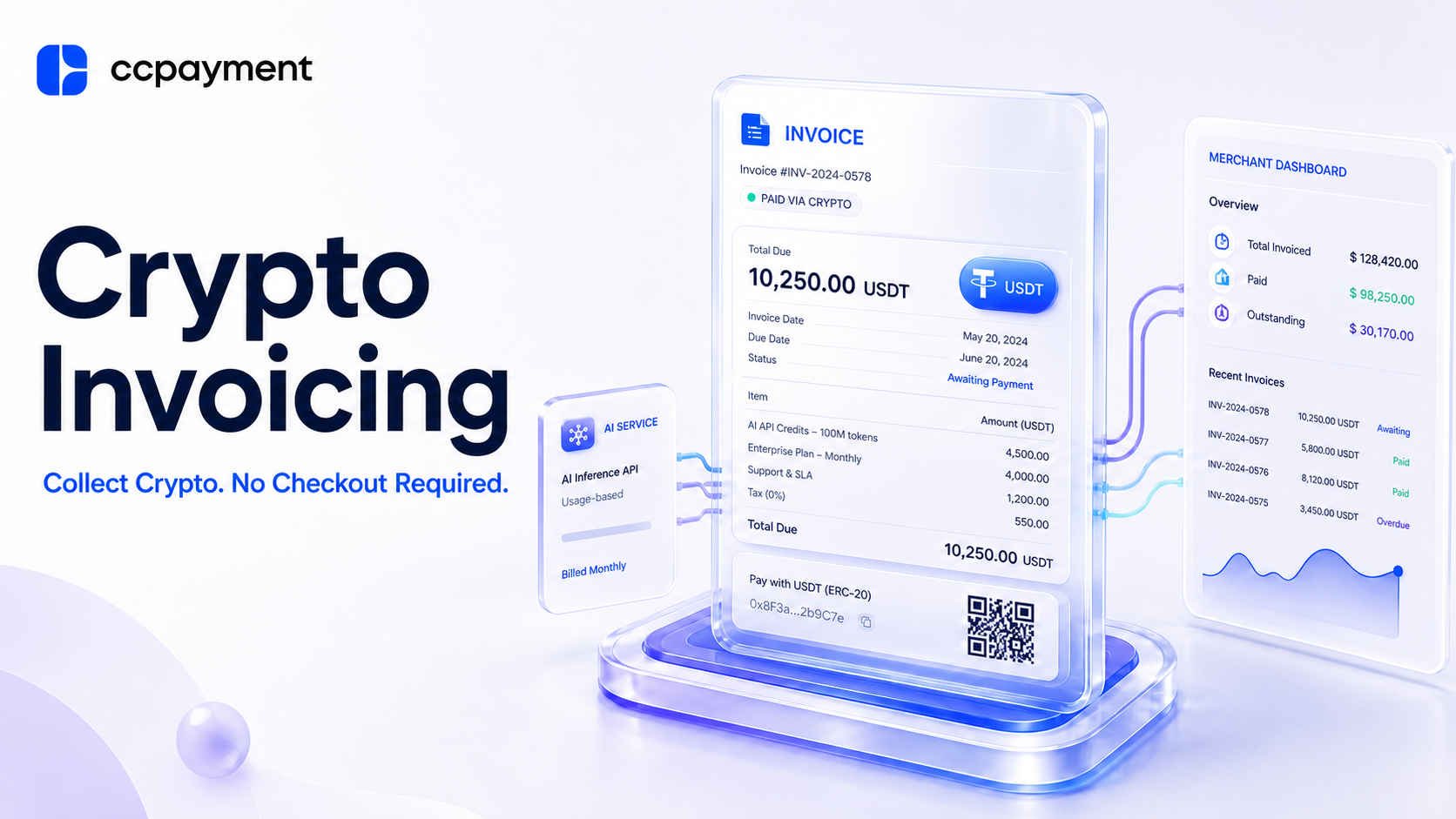
A remote AI SaaS provider has completed an enterprise deployment for an overseas client. The client owes a USD 8,000 implementation fee and will move to a monthly usage plan next quarter. There is no crypto checkout on the provider’s website, and the operations lead does not want to involve engineering for one client. A wallet address in an email soon raises predictable questions: which network, what amount, and how will finance match the payment?
A structured crypto payment request solves that basic operating problem. It gives the payer clear instructions and gives the merchant a record tied to a customer, amount, purpose, and status. An API checkout makes sense for self-service website sales. When a business bills known customers directly, an invoice provides the payment details and tracking record both parties need.
What Is CCPayment Invoice and When Should You Use It?
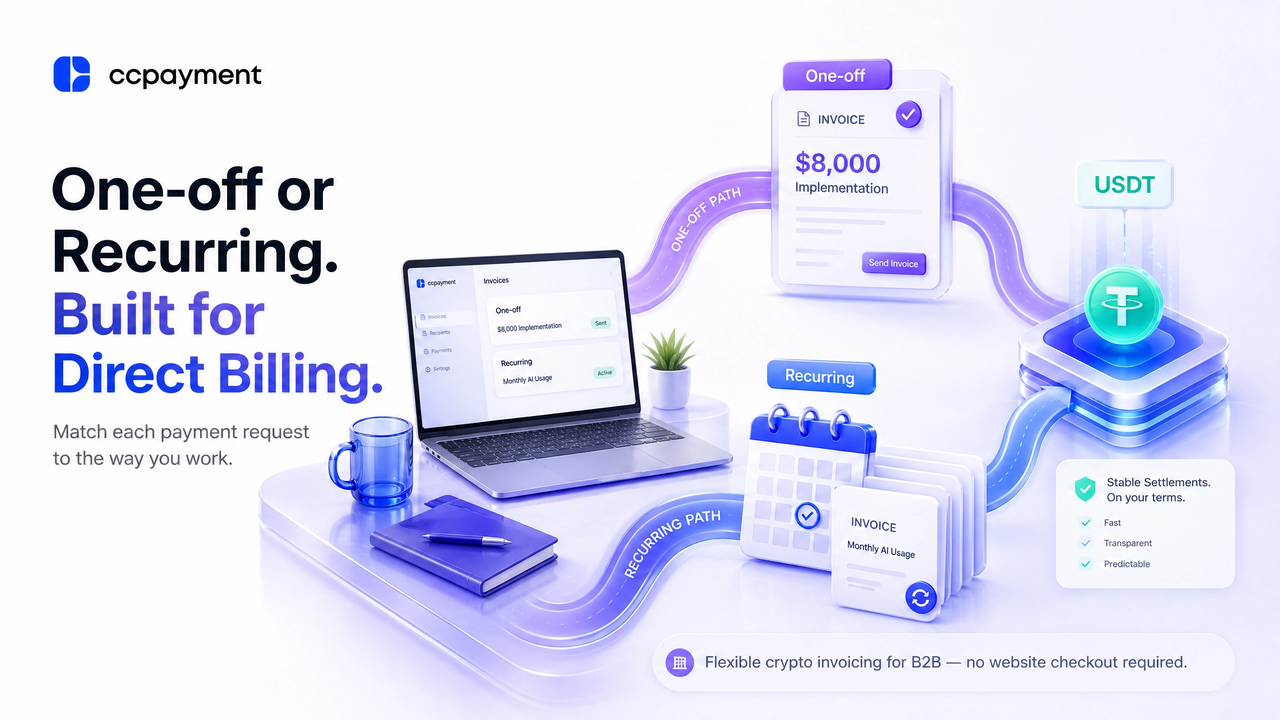
CCPayment Invoice is a Merchant Dashboard tool for creating, sending, and tracking crypto payment requests. It is not a tax invoice or a substitute for legal, tax, or accounting documentation. Instead, think of it as a crypto payment request your finance team can create, send, and monitor from one place. It gives the client a structured payment request and lets your team monitor whether it is awaiting payment, paid, overdue, or underpaid.
It's a good fit for agencies, freelancers, remote teams, and AI SaaS providers that bill customers directly. Rather than email a raw wallet address, the merchant sends a request with context.
Without a structured payment request, customers often ask follow-up questions about the network, token, amount, or payment purpose, creating unnecessary back-and-forth before funds are even sent.
The dashboard supports one-off and recurring requests. Use a one-off invoice for a fixed charge, such as implementation or a prepaid credit bundle. A recurring invoice can schedule payment requests for monthly usage charges, software access, or a managed-service retainer. It does not automatically debit the customer’s wallet; the customer completes each payment request separately. This structured approach is also used across business crypto payment products: Coinbase Business invoices, for example, include customer contacts, line items, amounts, due dates, recurring schedules, email delivery, and dashboard status tracking.
| If you need to... | Use | Example |
| Bill a defined, non-recurring charge | One-off invoice | AI model fine-tuning project |
| Send a repeating commercial charge | Recurring invoice | Monthly AI API credits |
| Give the customer clear payment context | Title, description, payer details, and line items | “Enterprise AI Workspace — April Subscription” |
How to Create a Crypto Payment Request with CCPayment Invoice
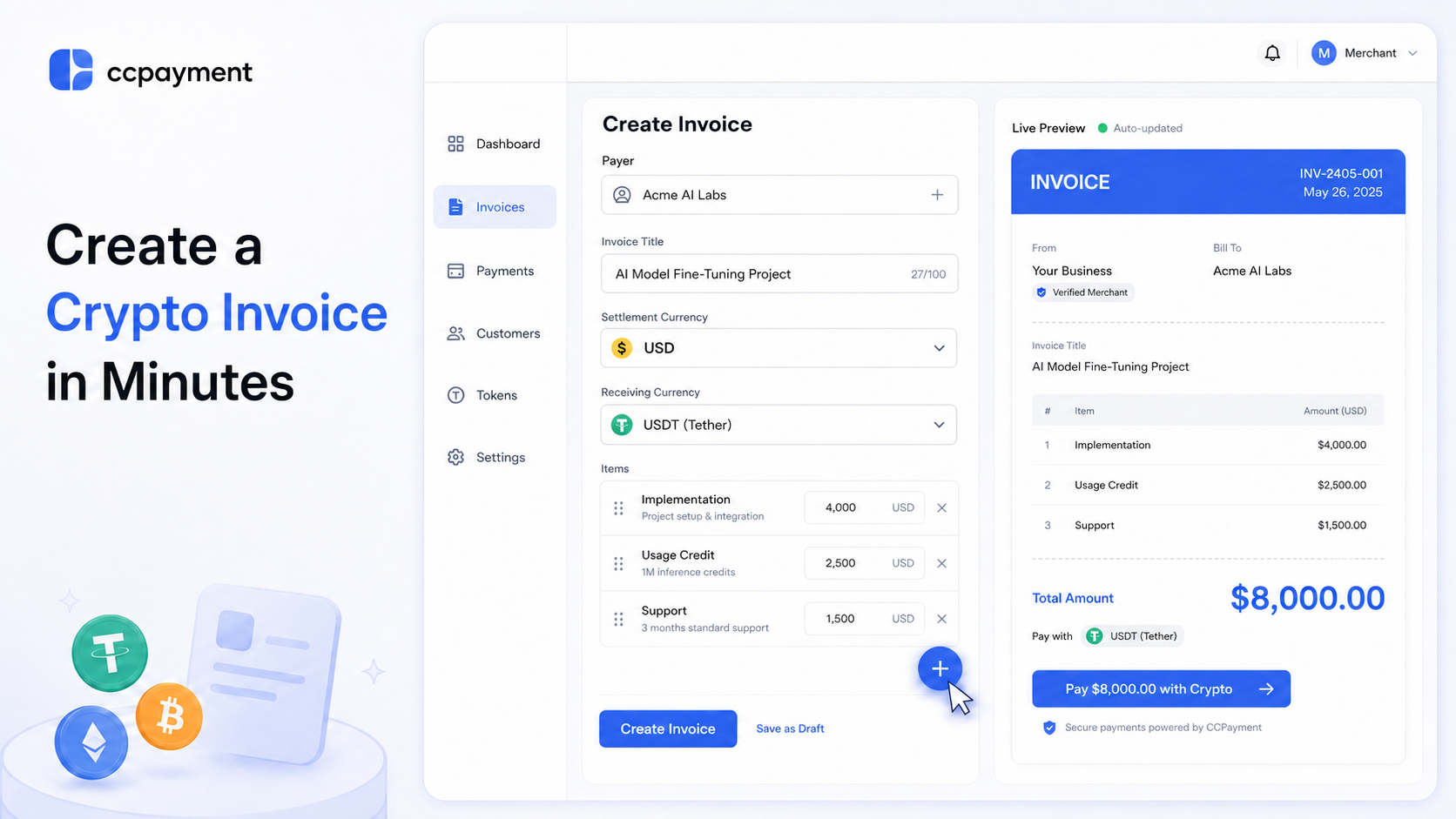
Finance or operations teams can create, send, and track an invoice from the Merchant Dashboard without building a website checkout.
Enter the Invoice and Customer Details
Select One-off Invoice or Recurring Invoice. Add the payer, title, description, and line items. Merchants can also include optional business information, such as a VAT number or company website, to make invoices look more professional. For the AI SaaS example, use “AI Model Fine-Tuning Project” with implementation, usage-credit, and support items.
Price the invoice in your preferred Settlement Currency, such as USD. The invoice amount stays fixed in that currency, while the customer pays with one of the cryptocurrencies you allow.
Choose the Invoice Type and Payment Tokens
Next, decide which cryptocurrencies your customer can pay with. To request payment in USDT, select USDT as the Receiving Currency; otherwise, configure the permitted token options.
For example, you can price the invoice in USD while accepting payment in USDT. This answers the customer’s first payment question: “Which token should I pay with?”
Set the Delivery and Notification Options
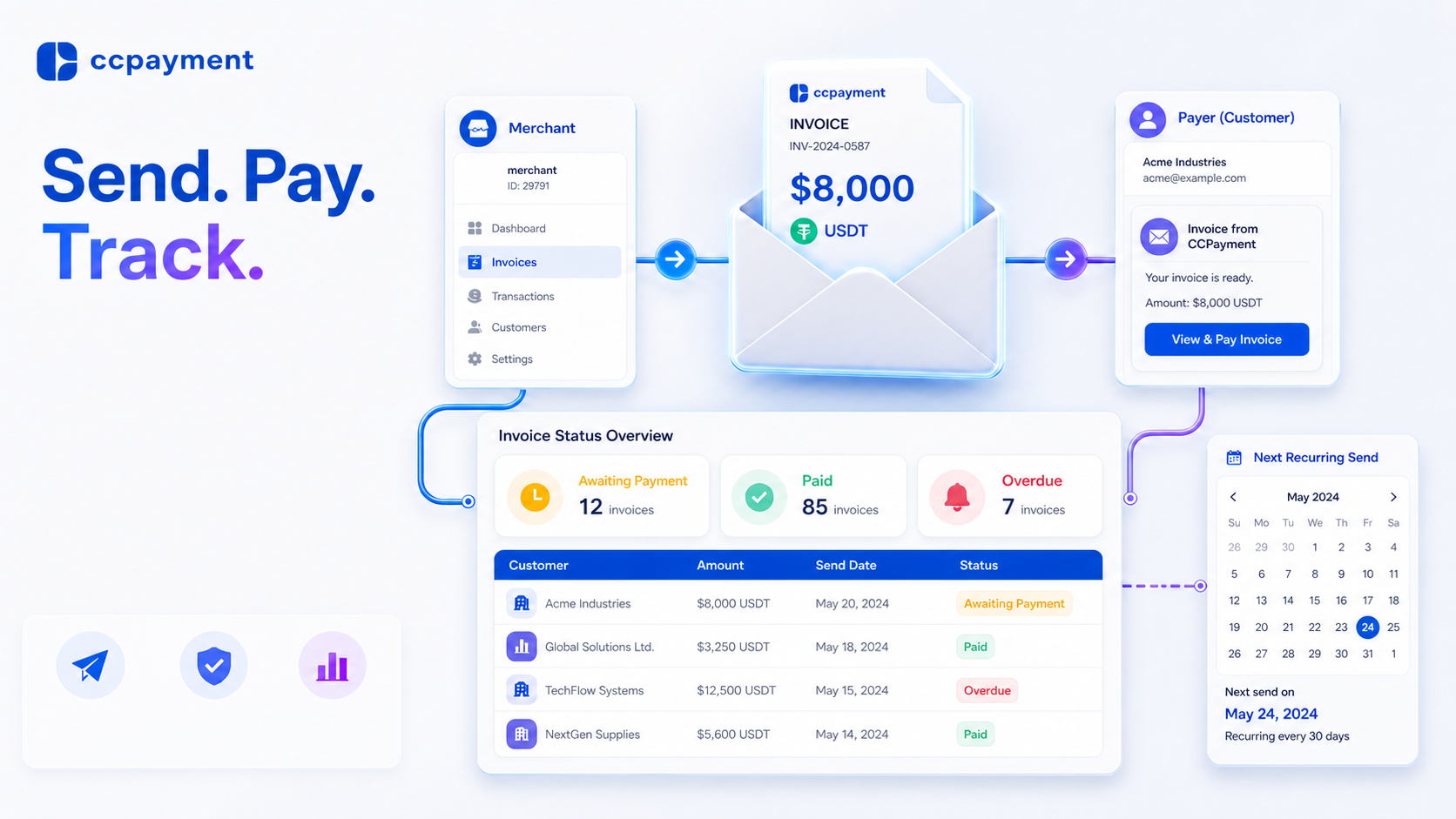
Send the finished invoice by email or as a PDF. The customer receives a clear payment request with the invoice details instead of a wallet address pasted into an email. This is especially helpful when the person approving the invoice isn't the same person sending the payment.
The Invoice Sending Record tracks one-off and recurring invoices by Order ID, payer, amount, send date, validity, and status. For recurring requests, it also shows ongoing, ended, or stopped status and the next send time. The Merchant Dashboard workflow does not require checkout development or webhook configuration. If the business later needs automated payment collection, CCPayment also provides API and webhook support.
Start Collecting Crypto Payments Without Building a Checkout
For the AI SaaS provider, create the USD 8,000 one-off invoice in the Merchant Dashboard, select the allowed token or tokens, add payer details, and send it. When the monthly AI API-credit plan begins, create a recurring invoice using the same commercial terms.This is not a replacement for self-serve, in-app checkout. It is built for direct collection from known clients, where clarity and traceability matter most.Use CCPayment Invoice to collect crypto payments without building a checkout. Begin with Accept Cryptocurrency Payments Through Invoice, create your first invoice, and track it from the dashboard. As your workflow grows, you can expand to API-powered payment automation without changing providers.
FAQ
Q1: Do I need a website or API integration to use CCPayment Invoice?
A: No. Create, send, and track the invoice in the Merchant Dashboard without adding checkout to your website.
Q2: Can I request payment in USDT?
A: Yes. Set USDT as the Receiving Currency when you create the invoice. Do not leave the setting open to all tokens if USDT-only payment is required.
Q3: Is CCPayment Invoice a tax invoice?
A: No. It is a crypto payment-request and collection tool. Use your own accounting and tax process for statutory invoices, record keeping, and local compliance.
Q4: When should I use a recurring invoice?
A: Use it for a predictable SaaS subscription, agency retainer, or managed-service fee. Use a one-off invoice for a deposit, milestone, or exceptional usage charge.
Q5: Can I use CCPayment Invoice for international clients?
A: Yes. CCPayment Invoice is designed for cross-border payment collection. You can price invoices in fiat currencies such as USD while allowing customers to pay with supported cryptocurrencies.
Q6: What's the difference between CCPayment Invoice and API Checkout?
A: Invoice is designed for manually creating and sending payment requests from the Merchant Dashboard. API Checkout is intended for websites and applications that need automated payment creation, webhook notifications, and system integration.
Crypto Adoption for Business 2026
Deep dives into Web3 payments, industry trends, and how to scale your global commerce with zero-code integrations.