
Introductions
Introductions
USD Settlement
Auto Withdrawal
Withdrawal Approval
Resend Webhook
Financial Report
Invite Member
USD Settlement
02 Mar. 2024 00:00
Our "USD Settlement" feature on CCPayment allows you to easily convert your USDT (Tether) into fiat currencies. This guide will walk you through the steps to sell USDT using CCPayment.
Step 1: Log in to CCPayment
Log in to your CCPayment Dashboard.
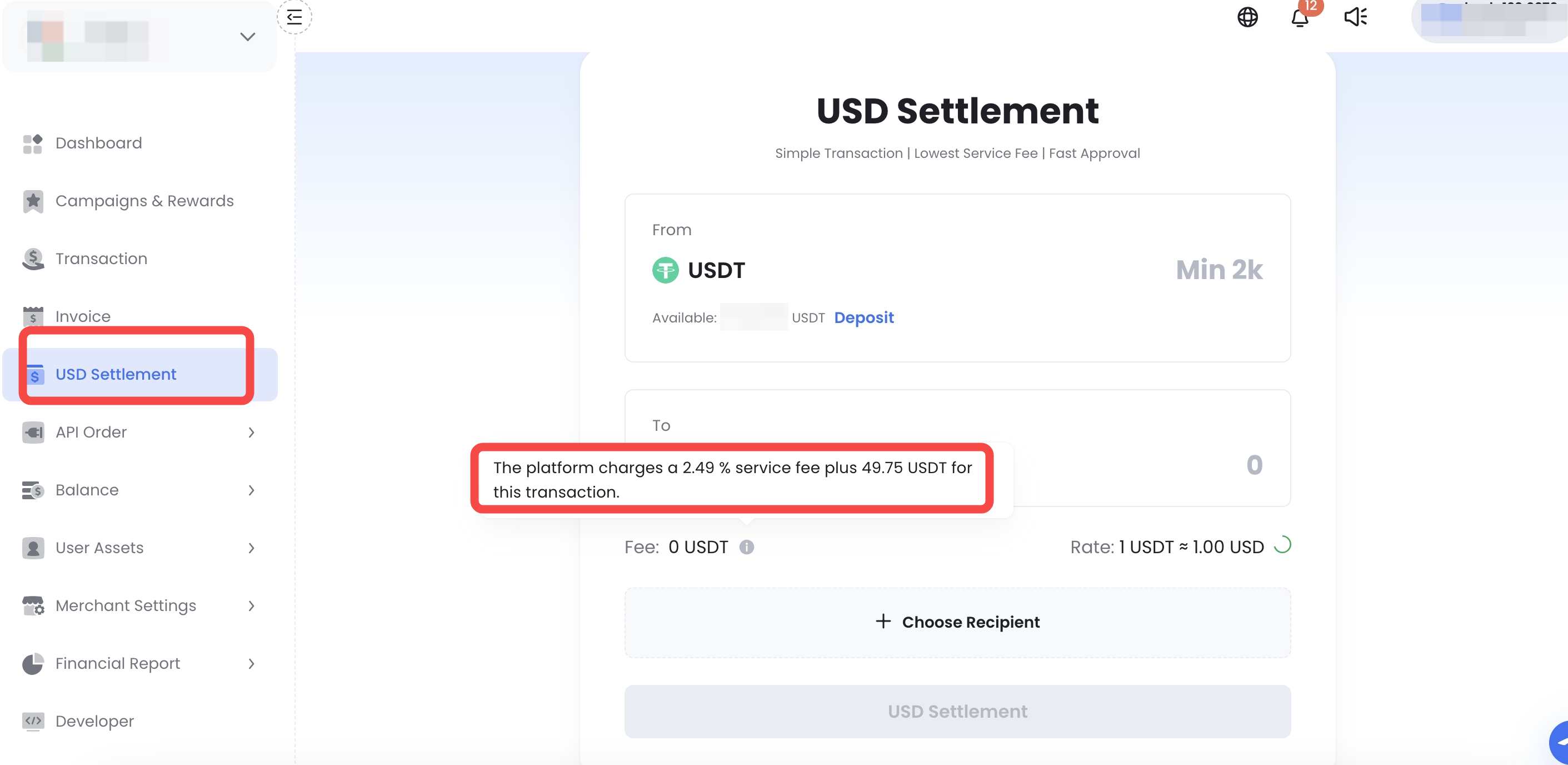
Step 2: Go to "USD Settlement"
In the dashboard, you will see the option to "USD Settlement". Set your amount (Limit: 2,000 - 1,000,000 USDT per transaction). The platform shows your USD output, fee, and rate in real time before you commit. We currently only support USDT-to-USD exchanges, with more fiat options coming soon. Stay tuned.
Step 3: Add a Recipient
Click "+ Choose Recipient" and fill in your bank details.
Please provide accurate banking details and make sure all matches exactly with your bank account to avoid issues with the transfer. This is especially important for international transfers to ensure the funds are routed correctly.
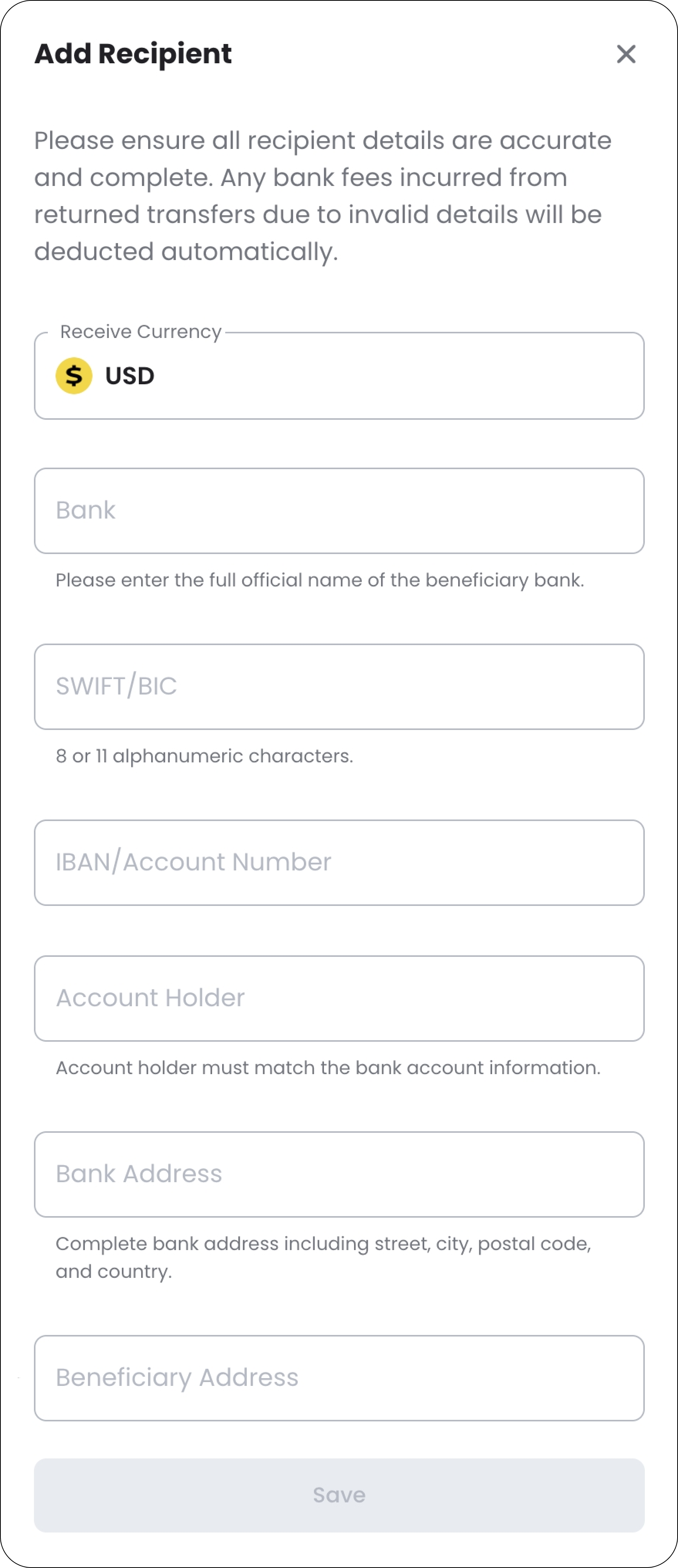
After you've filled in all the information, double-check the details to make sure everything is accurate.
then click the Save button to proceed. Saved recipients carry over to future transactions, so this is a one-time setup per account.
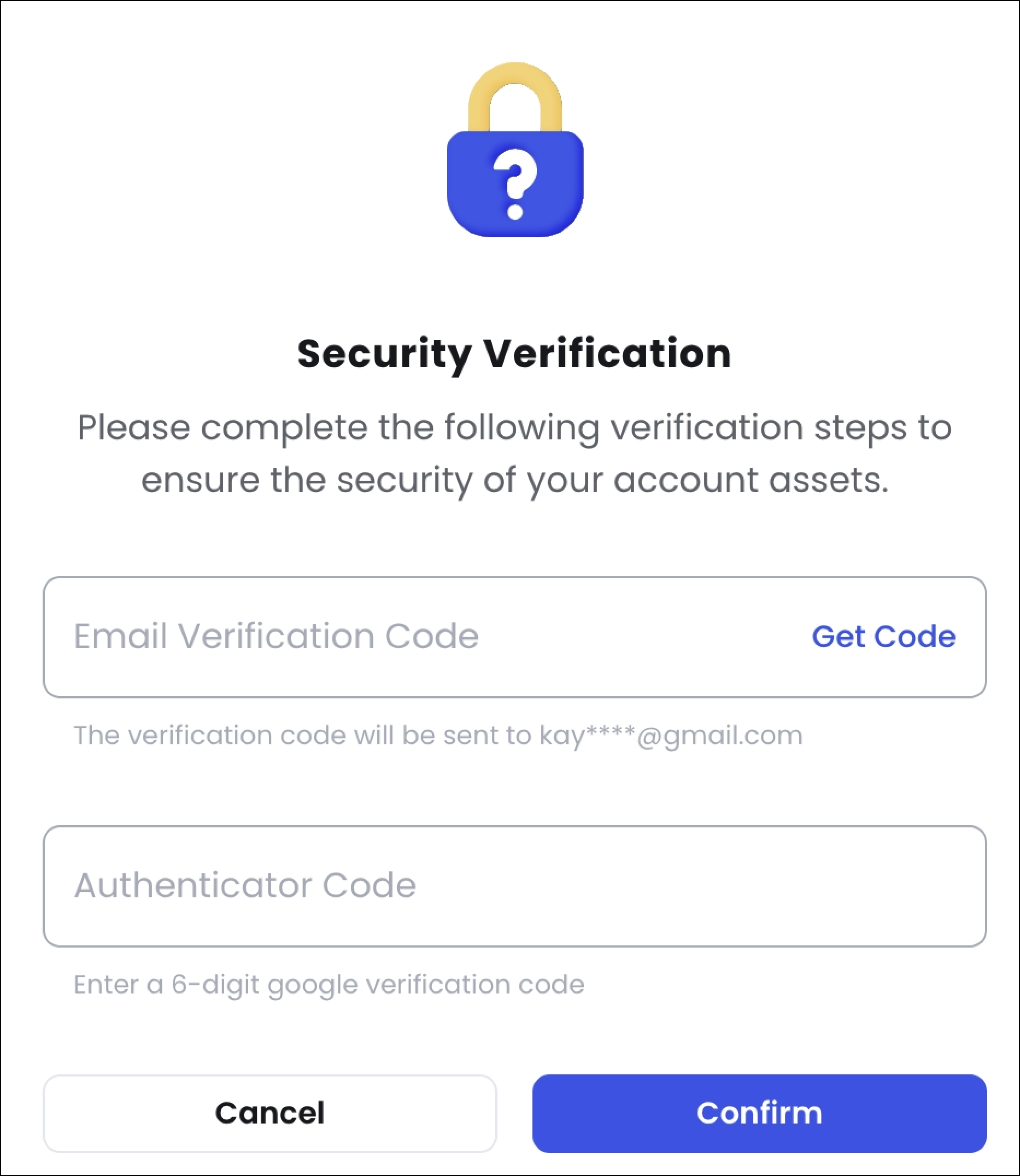
Step 4: Complete Security Verification
Confirm with your email code and Google Authenticator. For your fund security, please do not share your verification codes with anyone.
Step 5: Submit the Settlement Order
Once submitted, your order moves through three stages: Order Submitted → Payment Processing (3-7 business days) → Transaction Completed.

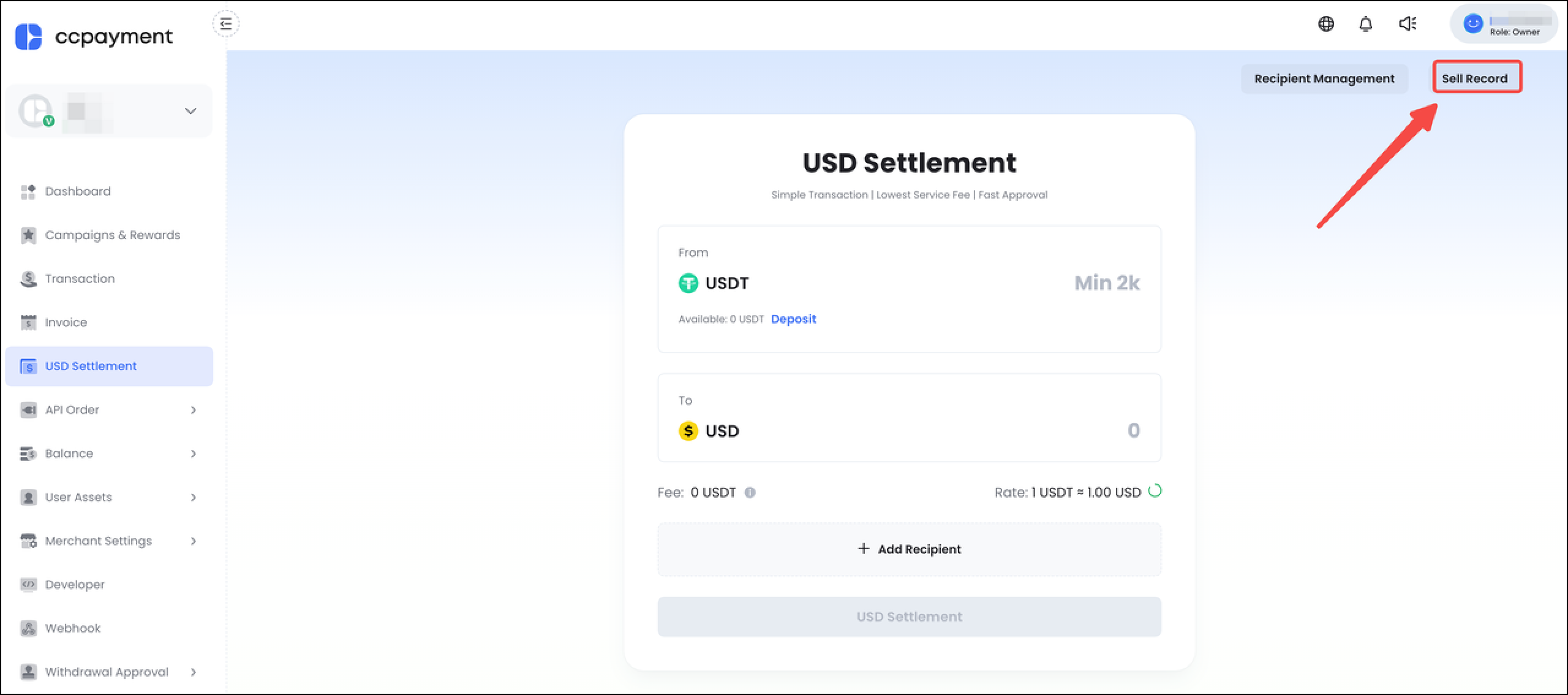
Step 6: Track the Order
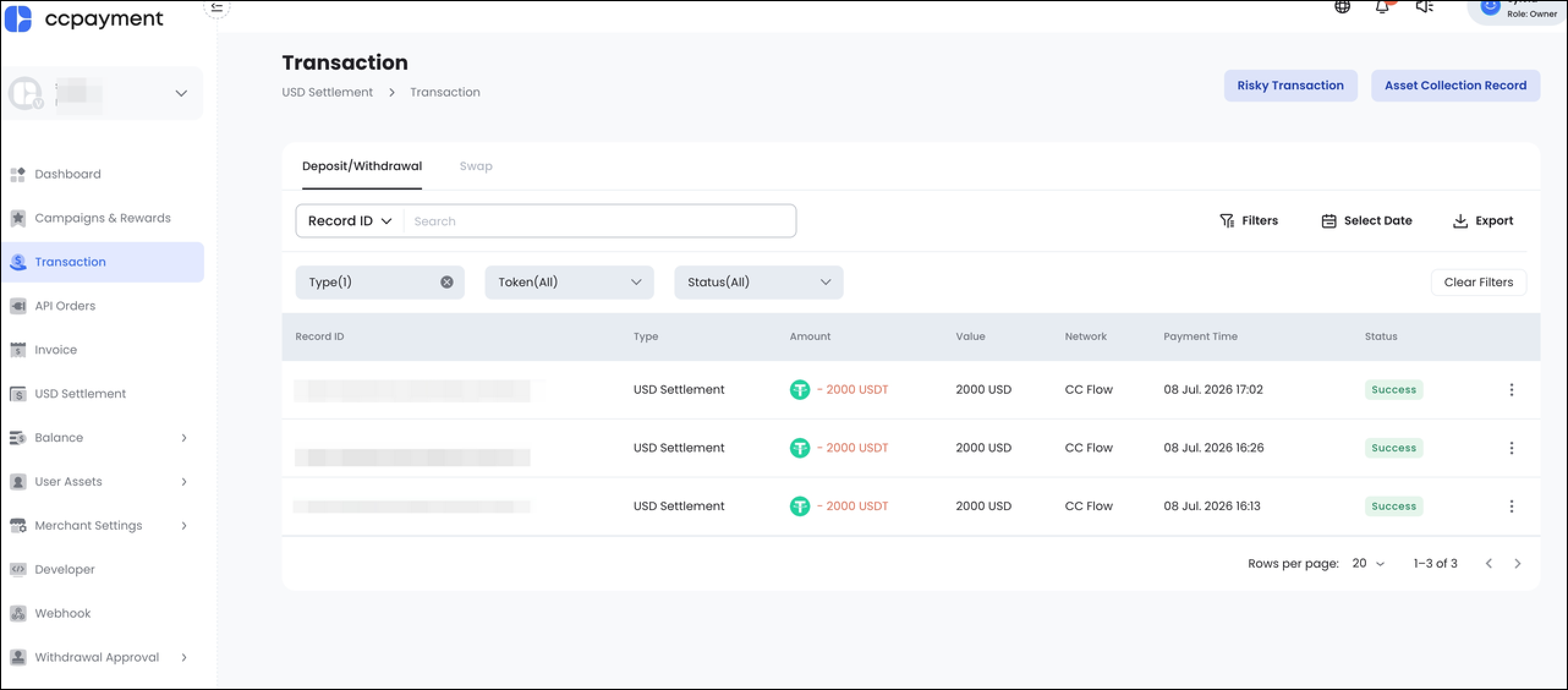
Click Sell Record to view and track your order's progress. The status will update as the order is processed.
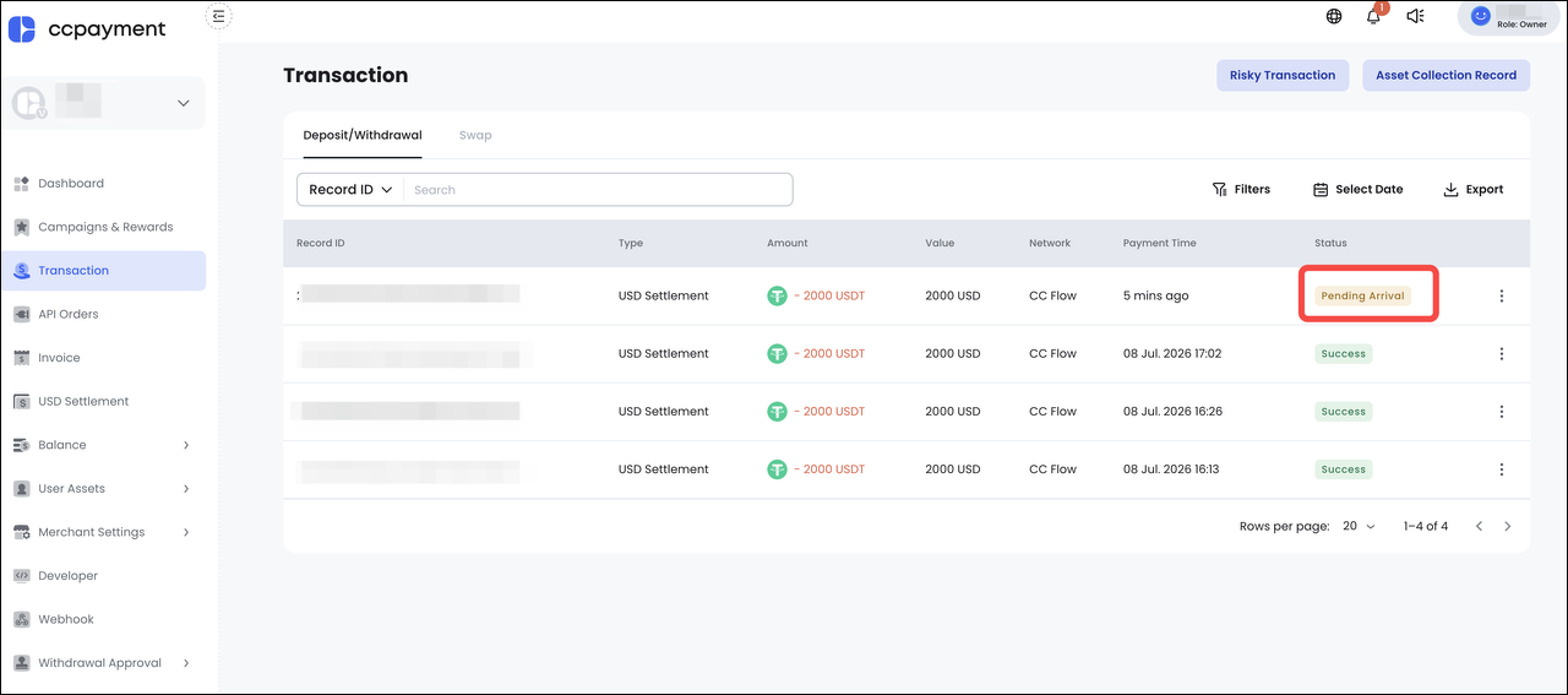
Step 7: Confirm Receipt
Once the status changes to "Pending Arrival", you can click to view the deposit details and check whether the corresponding bank has credited the funds.
Check whether the USD funds have been credited to the recipient's bank account. Once you have confirmed that the funds have arrived, click Confirm Receipt.
Important: Do not click Confirm Receipt until you have verified that the funds have been received.
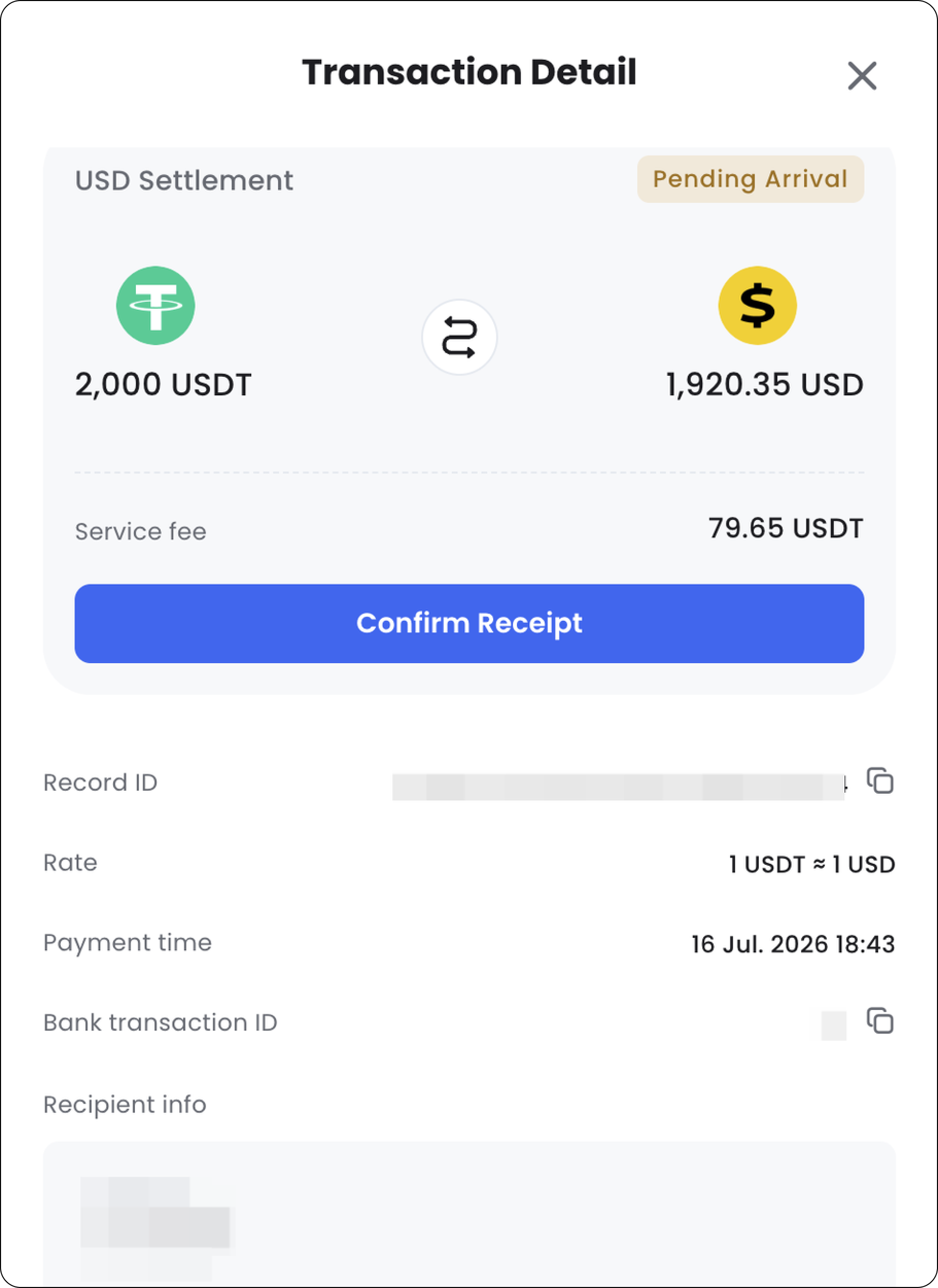
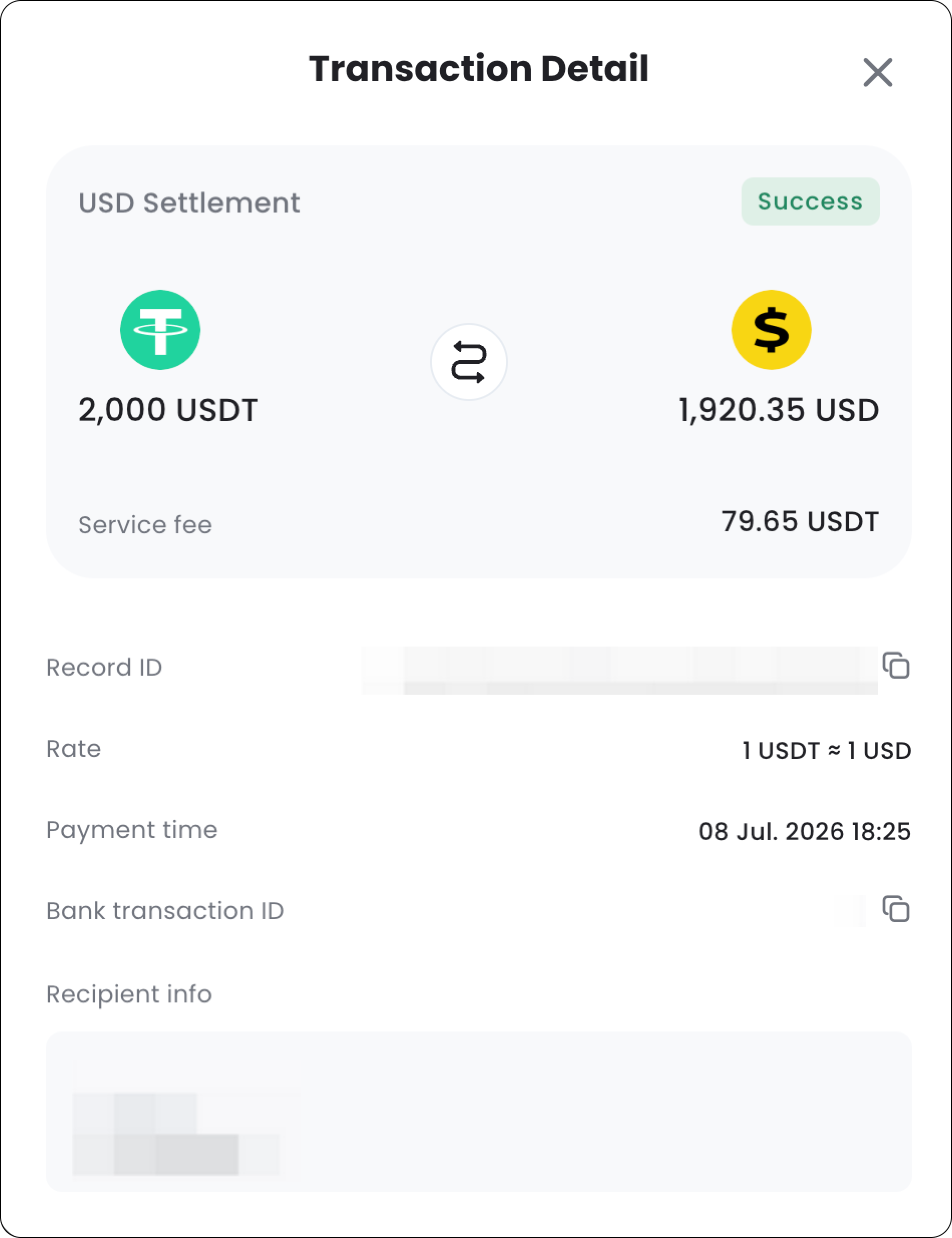
After you confirm receipt, the order status will update to Success, indicating that the settlement is complete.